

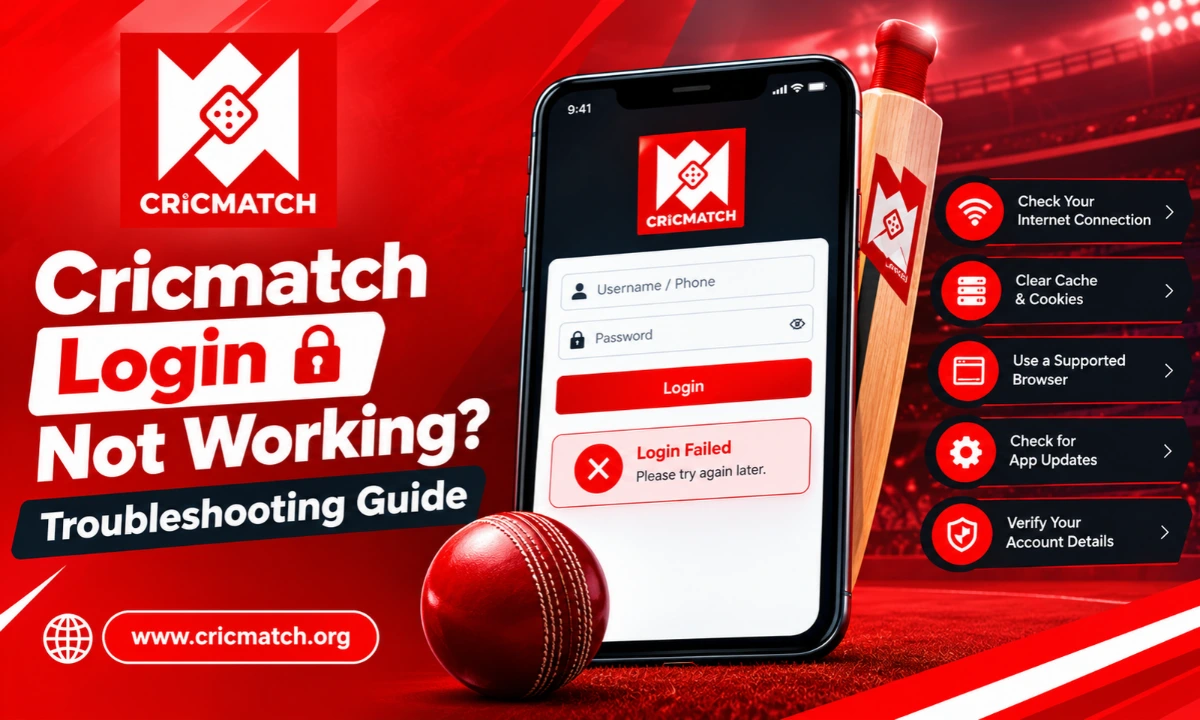
There are many simple issues that can cause logins to fail, such as inputting the wrong password, using an outdated browser, or having an unstable Internet connection. If you are unable to access your account, checking these common causes can often help identify the problem quickly. In this tutorial, we will discuss the steps you should take to fix the Cricmatch login not working problem and how to safely restore access.
Why Is Cricmatch Login Not Working?
Many factors can cause a login attempt to fail. This problem can occur on your device, browser, network, or on your account. Therefore, it helps to identify the exact point where the process stops.
Common causes include:
- Incorrect username, ID, or password
- Outdated browser cache or cookies
- Poor or unstable internet connection
- Unsuccessful OTP/Verificiation code.
- Temporary account restrictions
- Browser compatibility problems
- Temporary technical issues on the website
Check the error message on the screen before trying several solutions at once. It can help you know whether the issue is related to your credentials, verification, or connection.
Check Your ID and Password First
One of the most common issues to miss is incorrect account information. The system may reject the request if your Cricmatch ID or password has a typing mistake, even though most of the information is correct.
Enter your details manually instead of relying on an old autofill entry. Pay particular attention to uppercase and lowercase characters because passwords can be case-sensitive.
Also, verify if your keyboard has Caps Lock enabled. If you recently changed your password, ensure that you are using the most recent password that you have changed, not the older saved one.
For a detailed description of the normal login procedure, refer the secure account access guide for the standard login procedure and security tips.
Clear Browser Cache and Cookies
Sometimes, stored browser information will disrupt a login page. Old cookie or cached files may cause pages not to load properly or may cause unexpected errors.
Clear browser’s cache and cookies if the Cricmatch login not working persists even after verifying the login information. Then close the browser window, reopen it and then go back to the official website.
You can also try private or incognito browsing. If the page loads there, it could be because of an old browser session or stored website data.
It’s also useful to have the latest version of your browser. Newer website features may not be supported by older versions.
Check Your Internet Connection
Even if your login information is correct, a weak connection can cause a login page to seem unresponsive. First, check with another trusted site to make sure your connection is functioning properly.
If other web pages are also slow to open, try to restart wi-fi or temporarily connect to another reliable network. If the connection is unstable, don’t repeatedly try to log in, as the login request may not complete successfully.
Once the connection becomes stable, reopen the login page and try again.
What If the Password Is Forgotten?
For users who cannot remember their credentials, repeatedly guessing the password is usually not helpful. Instead, use the official Cricmatch password reset process available through the account access page.
The steps to recovery might vary with the changes in the platform’s interface. Typically, the procedure could include choosing the password recovery alternative, giving the registered individual details, finishing verification, and creating a new password.
Once the password is changed, enter the new credentials manually. Do not use an outdated password saved by your browser.
Do not provide your password or verification number to someone who claims they can recover your account.
When the App Login Fails
If the website is working but the Cricmatch app is failing to open your account, it might be an issue with the application itself and not your credentials.
First verify whether the app has an available update. Older versions might have compatibility issues. If an update is available, install it and repeat the steps.
You can also restart your phone and check your internet connection. On Android devices, clearing the application’s temporary cache may help with loading problems.
If you downloaded the app from an unofficial source, it may be advisable to verify the platform’s official channels for the proper application information. Do not share your account information with untrustworthy applications or on pages you don’t recognize.
What If You Are Not Receiving the Verification Code?
A late OTP doesn’t guarantee your account is experiencing an issue. Deliverability issues may be impacted by network congestion, wrong contact information, and temporary delays in the messaging.
Verify the registered mobile number/email address first. Then wait briefly before requesting another code if the page provides that option.
Don’t ask for the same codes over and over in a short time as they might get wiped out by a newer code being issued.
If verification messages continue to fail, use the official support route rather than relying on an unverified third party.
Account Locked or Temporarily Restricted
When repeated unsuccessful attempts occur, it may result in temporary security restrictions. If Cricmatch login is not working due to multiple incorrect attempts, discontinue frequent attempts with various passwords.
Instead, use the platform’s official recovery or support process. You may need to complete an identity or account verification step before access can be restored.
Please don’t register a new account if your account is temporarily unavailable. Always read the rules of the accounts and seek official support.
When the Website Works on Another Browser
If the login page works in one browser and not the other, the issue might be related to browser settings or browser data, not your account.
Try these steps:
- Update the affected browser.
- Clear its cache and cookies.
- Temporarily disable unnecessary extensions.
- Open a new private window.
- Try another trusted browser.
Once you know which setting or extension is causing the problem, you can go back to your preferred browser.
How to Keep Your Account Access Secure
Solving an access issue is only part of the solution. Proper account management can help minimize potential issues and safeguard information.
Use strong, unique passwords and don’t use the same password on other sites. Avoid sharing OTP, password, recovery number on text messages or social media.
It is also important to refrain from logging in via links from strangers. Rather, type in the official website’s URL into the browser or use a bookmark that you’ve previously trusted.
When using a shared computer, do not save your credentials and remember to sign out when you finish.
Final Thoughts
Most access problems have a straightforward cause, so checking the basics first can save time. Verify your credentials, test your connection, clear outdated browser data, and use the official recovery process when necessary. If the problem persists, reach out to official support but be careful to not provide any account details.
This is also important to ensure that your account does not get logged in to on a fraudulent page or be accessed by another user. It is always important to maintain privacy of credentials whenever you sign in, and to use trusted access methods.