

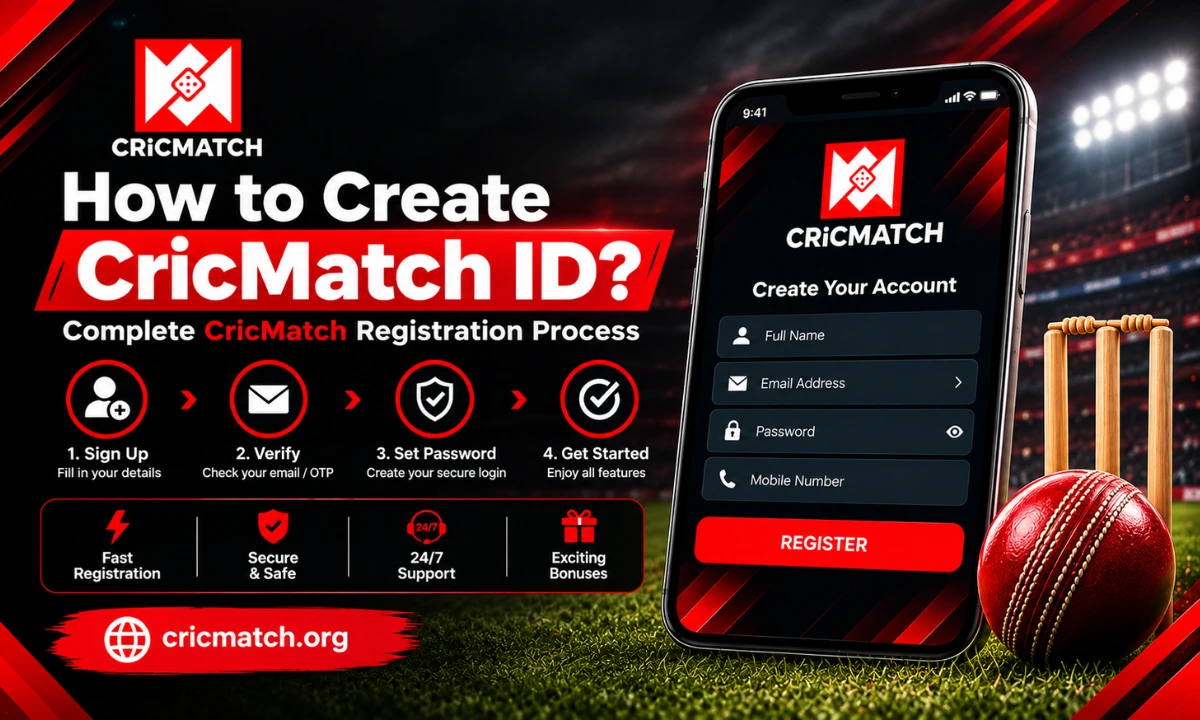
Getting started with CricMatch begins with setting up a personal CricMatch ID, which you can use to access the platform and manage your account. The registration process is simple but new users should be aware of what information they might require, the process of verification and how to ensure that their log in information remains secure. This guide provides a detailed explanation of each step without getting bogged down in unnecessary detail.
What Is a CricMatch ID?
A CricMatch ID is the account number linked to your profile on the platform. Once registered, it enables you to use features of your account, review your profile information, and log in when you return to the site.
Be sure to use the official site and verify the terms, age requirements, privacy policy and availability in your jurisdiction prior to registration. Details may change, so it is advisable to check the updated information before submitting details.
What Do You Need for Registration?
The details that need to be filled out at the registration may differ depending on the platform’s current process. In most cases, users will only require basic contact and account information.
You should have:
- A valid mobile number or email address.
- A user name or preferred account identifier (if applicable).
- A strong and unique password.
- Correct personal data, if requested for verification.
- Access to the phone or email used during registration.
It’s crucial to use accurate information because if the platform requires you to confirm ownership of the account, you may have issues later if you use incorrect details.
How to Create CricMatch ID?
Creating CricMatch ID is a straightforward process. You need to visit the official website and find the registration link. As the site is updated, the exact name of the button or layout may change; so follow the instructions displayed on the current registration page.
1. Open the Official Website
Enter the official website URL in the browser. Don’t use links from unknown social media accounts, messages or third-party websites, as copied websites can imitate legitimate registration screens.
2. Select the Registration Option
On the home page, you’ll find a sign-up or account creation option. Select it to open the registration form.
3. Enter Your Details
Fill in all mandatory fields thoroughly. This can include your name, contact information, username, and other account details, depending on the current form.
Take a moment to check your information before continuing. It is important to note that a small typing error in an email address or phone number can prevent you from receiving verification messages.
4. Create a Strong Password
Use a password that is different from those used on other sites. Use symbols, numbers, and letters – both uppercase and lowercase – to make the password more difficult to guess.
Also, refrain from using easily identifiable information like your name, birthday, or phone number.
5. Complete Verification
If the platform asks for email, mobile or OTP verification, follow the instructions provided on screen. Keep access to the registered contact method until the process is complete.
Verification can be used to verify that the account is owned by the person who created it.
6. Review the Terms
Before submitting the form, read the applicable terms and privacy information. Be sure to pay attention to restrictions which might be specific to your location, verification requirements, account limits, and eligibility.
After reading all of this, click on the submit button and wait for confirmation.
What Happens After Registration?
After successful CricMatch registration, your account should be ready for the next step. Remember your username, password, and account number and keep them in a secure location.
Never give your password or verification code to another person. Also, do not store sensitive credentials on public or shared computers.
If additional security features are available on the website, consider using them. When available, two factor authentication provides an extra layer of security by having an additional verification process when accessing an account.
How Does CricMatch Register Work on Mobile?
Users accessing the website from a smartphone can generally follow the same registration process through a mobile browser. The page layout may vary from the desktop layout; but the basic steps remains same.
If you use the mobile application, download it only from a source that the platform itself identifies as official. If you want to install an APK or application from another website, be sure to check its permissions and authenticity.
You should not be asked to submit unnecessary sensitive information via unofficial means during the CricMatch register process. If a third-party page asks for unusual credentials, payment information, or private verification codes, stop and verify the source first.
What If Registration Does Not Work?
There may be registration problems for a number of reasons. For instance, the email address or phone number might already be registered, a verification code may have expired, or an essential field might have an error.
Consider these simple tests:
- Check that all essential information is filled.
- Double check your email or phone number.
- If the verification code has been expired, ask for a new one.
- Update your browser or delete temporary browser files.
- Find out if the platform is experiencing restrictions on new sign-ups.
If the issue persists, reach out to the official support team of the platform, not through unofficial agents or social media accounts.
How to Access Your Account After Registration
After you’ve registered, log in with the credentials you created to access your profile. The CricMatch login screen may request the account identifier and password; the exact fields can change with future website updates.
If you don’t remember your password, don’t make a new account right away; use the official account recovery system. Always go through the verification process outlined by the platform, and never share your password or OTP with another person who claims to offer account recovery.
How to Keep Your Account Secure
Creating an account is only the first step. With a good security practice, you can prevent your information from being compromised over time.
Use a different password and change it if you think someone has accessed your account. Also, enable any security features and log out of any shared device.
It is also important to not save your passwords in insecure notes or send them via messaging applications. If you receive an unexpected message requesting your login credentials, treat it cautiously and verify the request through an official channel.
To learn more about the platform, features, and account information, refer to our CricMatch overview guide.
Is Creating an Account the Same as Being Eligible to Use Every Feature?
Not necessarily. Registration and eligibility of features may be age, location, verification, and platform dependent. Thus, filling out a registration form does not guarantee that all the services are accessible to all users.
Before using any paid or real money feature, users are advised to check the applicable rules. Local laws and regulations may also vary, and responsible users should check their local regulations for allowances.
Final Thoughts
The process of creating an account is fairly straightforward, provide complete and accurate information, go through the necessary verifications, and adhere to existing platform policies. More importantly, keeping your credentials secure should be a priority after the registration process. Don’t share your password, always use secure access, and check any unsolicited requests for account details. Users must also verify the age, the location and legal eligibility before accessing any regulated and real-money services.
FAQ’s
How long does CricMatch signup take?
When you have all the information you need, the form can be completed in a few minutes. However, if further checks are required, it may take longer to verify.
Can I register if I already have an account?
Making more than one account can be in violation of the rules of the platform. Look into the ongoing conditions or get in contact with official support before opening new account.
What should I do if I do not receive the verification code?
Always read the phone/email information first. Wait a few seconds and then ask for another code if the option is available. Do not keep re-sending requests over a short period of time.
Can I change my account details after registration?
Some of the information in your profile might be changed, others might need to be verified or they might need support. Check your account settings or contact official support for clarification.
Is it safe to share my login details with an agent?
No. Keep your password, OTP and other authentication information private. Official support should not require you to disclose your password.